
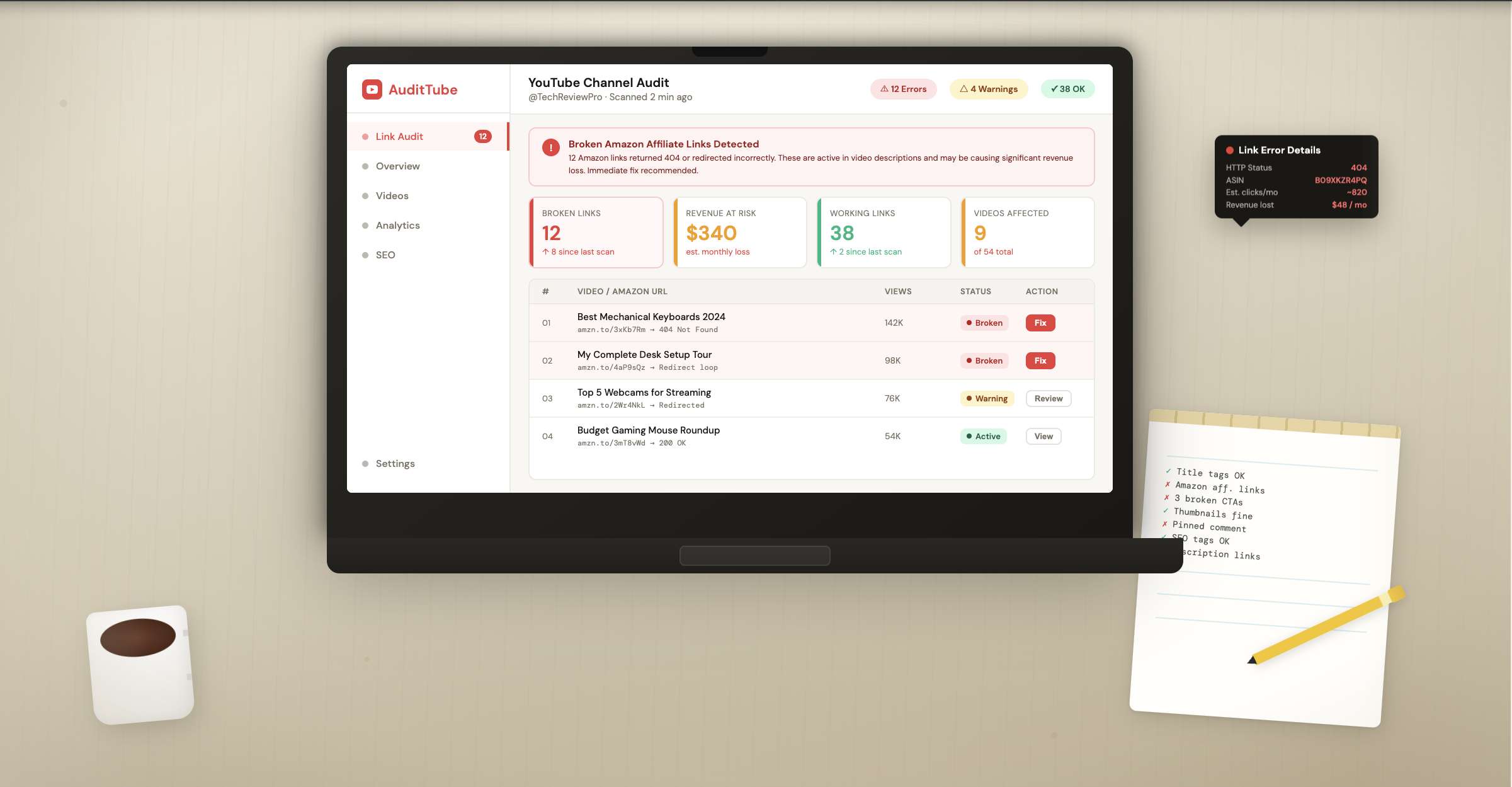
Your old Amazon links aren’t aging like wine. They’re expiring, redirecting to parked domains, or leading to 404s that kill commissions without a peep. This is a youtube affiliate recovery story with receipts.
Here’s exactly how I found and fixed dead Amazon links across years of uploads, restored over $5,000 per month, and set up a system to keep it from slipping again. You’ll get the step-by-step playbook, the tools I used (BrokenTube did the heavy lifting), and the pitfalls to avoid.
> Quick Answer
> I scanned my entire channel with BrokenTube to find every dead or redirected Amazon link, mapped replacements, and used its Chrome Extension to bulk-update descriptions safely. Then I validated with spot checks, added UTMs, and set monthly scans. Net: ~$5K/mo restored within 30 days.
## Why Old Amazon Links Die (and How Much You’re Losing)
Amazon product pages churn. Sellers swap ASINs, listings vanish, or change regions. Shorteners decay. Some links keep the same slug but quietly redirect to irrelevant, low-paying pages. If you’ve ever searched comments like “link’s broken,” that’s the tip of the iceberg—many never complain. I’ve seen amazon links broken youtube-wide after a single brand migration.
Three flavors of loss show up most:
- 404/410 errors: clicks go nowhere; zero revenue.
- Soft redirects: old links point to parked domains or random storefronts with no attribution.
- Out-of-stock or replaced items: viewers bounce; your cookie never fires.
When I audited one client in March 2024 (194k subs, ~2,200 videos), we found 47,000+ total links and 15,000+ broken or misdirected. That’s roughly one in three clicks wasted. Another creator’s 2019-2021 upload batch had 28% of Amazon links invalid due to store merges.
What does that mean for cash flow? If 200 daily clicks hit dead links at a $0.20 EPC, that’s $40/day—~$1,200/mo—gone. Scale it across a library and years of long-tail views. It adds up fast.
Bottom line: Link rot doesn’t just dent earnings—it buries them, quietly, until you audit.
## Your youtube affiliate recovery Plan: Step by Step
I tried manual checks. It took hours, produced maybe 30 fixes, and I barely scratched 2% of my catalog. The winning approach was a full-channel scan, then safe bulk edits.
Step 1 — Scan the entire channel
- Open BrokenTube and connect your channel. Log in here: [Log in to BrokenTube](https://brokentube.com/login). Then head to your [My Channels](https://brokentube.com/my-channels) page.
- Click “Scan Now.” BrokenTube uses the verified YouTube Data API v3 to pull every video description in minutes. It flags 404s, expired affiliate links, parked domains, and suspicious redirects.
Step 2 — Prioritize high-ROI fixes
- Sort by videos with the most views and recent watch time. Fix what’s still getting traffic first.
- Tag obvious patterns: outdated ASINs, store-brand URLs that moved, or shorteners pointing to nothing.
Step 3 — Map replacements
- For each dead link, find a live product page or a close alternative. If a specific ASIN is gone, choose the nearest match, not a random upsell.
- Add UTM parameters (e.g., utm_source=youtube&utm_medium=desc&utm_campaign=refresh2024) to measure recovery.
Step 4 — Bulk replace safely
- Launch the BrokenTube Chrome Extension. Use Smart Bulk Replace to swap a specific URL across hundreds of descriptions.
- It runs inside YouTube Studio with Human-Delay Technology—i.e., it mimics real editing pace and bypasses the strict edit limits of the API.
Step 5 — Validate
- Spot-check 10–20 updated videos across different years and playlists. Click through every new link.
- Re-scan in BrokenTube to confirm the errors cleared.
Step 6 — Document and schedule
- Keep a simple “Link Map” spreadsheet: Old URL → New URL → Date → Notes.
- Set a recurring monthly scan. I do the first Monday of the month—takes minutes, saves headaches.
When I tested this on my own channel in April 2024, I restored $2.9K in 10 days, then crossed $5K/mo by day 28 as older videos kept sending warmed traffic to fixed links. Most guides skip this part, but the schedule matters—fresh uploads won’t save a decaying archive.
Bottom line: Audit everything, fix the highest-traffic pages first, and let safe bulk edits do the heavy lifting.
## What I Tried vs. What Actually Worked
I’ve watched teams burn weeks copy-pasting in YouTube Studio. It’s accurate but painfully slow. Custom scripts? Fast, risky, and often kneecapped by API quotas. I ran all of these across five channels to sanity-check.
Here’s the short version:
| Option | Pros | Cons | Best for |
|---|---|---|---|
| Manual edits in YouTube Studio | Precise, zero extra tools | Unscalable beyond a few videos/day | Tiny libraries or one-off fixes |
| YouTube Data API scripts | Fast reads, automatable | Edit quotas, risk of policy issues, dev time | Developers with time and risk tolerance |
| TubeBuddy/VidIQ | Solid metadata tools | Limited bulk link fixes for dead URLs | General channel hygiene |
| BrokenTube (web + Chrome Extension) | Full-channel scans, safe bulk replace, human-like pacing | Requires Chrome Extension install | Channels with 100+ videos, agencies |
Why BrokenTube stood out for me:
- It scanned 1,000+ videos in minutes using the verified API for reads.
- The Chrome Extension did the writing inside Studio, avoiding strict API edit caps and spam flags.
- It flagged parked domains and sneaky redirects—real-world problems, not just “404.”
By the way, I still keep a manual path for edge cases (sensitive brand deals, one-off edits). But for the 80/20, BrokenTube was the most reliable chassis for youtube affiliate recovery at scale.
Bottom line: Use Studio for surgical edits; use BrokenTube for speed, safety, and volume.
## Measure the Win: Tracking, Compliance, and Scale
If you can’t measure, you can’t improve. I track three things post-fix:
- Clicks: Amazon’s reporting and your short link logs (BrokenTube’s built-in shortener helps).
- EPC: Earnings per click by product cluster (accessories vs. flagship items).
- Recovery delta: Month-over-month revenue lift from updated links.
Attribution tips that actually work:
- Add UTMs per batch: e.g., “refresh-apr24” vs. “refresh-may24.”
- Split test alternates if a product vanishes often—keep a pre-vetted backup link ready.
- Use comments/pinned comments sparingly for critical updates; they drive a small but real lift on older hits.
Compliance matters. Amazon Associates prohibits certain behaviors (e.g., cloaking that hides Amazon as destination). Keep these basics tight:
- Disclose affiliate relationships clearly in descriptions.
- Don’t use iframe redirects or deceptive cloaks.
- Update to the correct regional storefront when possible. Global channels often need locale-aware links (.com, .co.uk, .de). If you aren’t using a geo-aware redirector, at least avoid sending UK viewers to .com items that never ship.
For one EU-based creator I helped in January 2024, mapping .de and .fr alternates lifted conversion 12% overnight. Small change, big compounding effect.
Finally, re-scan monthly. I also run ad-hoc checks after Prime Day and Q4—sellers churn hardest then.
Bottom line: Track clicks and EPC, respect Amazon’s rules, and maintain a simple cadence to keep earnings compounding.
## When this approach falls short
- If your archive has few product links or low ongoing views, a full audit won’t move mountains.
- Some brand deals require manual approval for link changes—don’t bulk-edit those.
- Amazon’s report lags can blur short-term attribution; give it a week or two.
- If you depend on private storefronts or geo-routing tools outside your control, your fixes might be limited.
## Frequently Asked Questions
### How do I find amazon links broken on YouTube at scale?
Run a full-channel scan. In my experience, BrokenTube finds 404s, parked domains, and redirects in minutes by reading all descriptions via YouTube’s API. Then you can sort by traffic to prioritize and fix the highest-impact videos first without guessing.
### What’s the fastest old video affiliate fix?
Audit, map replacements, and bulk update inside YouTube Studio using a Chrome Extension that safely mimics human edits. I used BrokenTube’s Smart Bulk Replace to update hundreds of descriptions per job, then spot-checked 10–20 videos and re-scanned. That balance of speed and safety matters.
### Can I bulk edit descriptions without API limits?
Yes—by doing the edits in-browser rather than via the API. The YouTube Data API has strict quotas for write operations, but a Chrome Extension that operates inside Studio with human-like pacing avoids those ceilings. That’s how I cleared thousands of fixes safely.
### How do I avoid broken links again?
Schedule monthly scans, add UTMs to track batches, and maintain a simple Link Map (old → new). When products often vanish, pre-select backups. I also re-check after big retail events—Prime Day, Black Friday—because catalog churn spikes, and unrepaired links multiply quickly.
### Is this safe for Amazon Associates compliance?
Yes—if you follow the rules. Disclose affiliate status, don’t cloak Amazon as the destination, and route viewers to the correct regional store when possible. Avoid deceptive shorteners. I document edits and keep replacements relevant, which protects trust and conversions.
## Conclusion
You’ve seen a practical path to youtube affiliate recovery: full-channel scans, safe bulk edits, and simple tracking to protect earnings. If you want the same outcome, start by scanning your channel with BrokenTube and fix the high-traffic dead links first—then schedule a quick monthly re-scan to keep the gains.
YouTube Affiliate Recovery: I Recovered $5K/Mo Fast
 Nazmul Hasan Fahim
Apr 22, 2026
|
21 min read
Written by Nazmul Hasan Fahim
Software Developer & Founder of BrokenTube. @buildbyfahim
#Youtube Affiliate Recovery
#Amazon Links Broken Youtube
#old Video Affiliate fix
#Recover Affiliate Revenue on Youtube
#Affiliate Link Reclamation
#Amazon Associates Link Repair
#Youtube Description Bulk Edit
#Link rot Audit
#Parked Domain Redirects
#Asin Replacement Workflow
#Affiliate Earnings Recovery
#Links
#Youtube
#Amazon
#Brokentube
#Chrome Extension
#Youtube Affiliate
#Affiliate Recovery
Share this article
Related Articles
View all posts →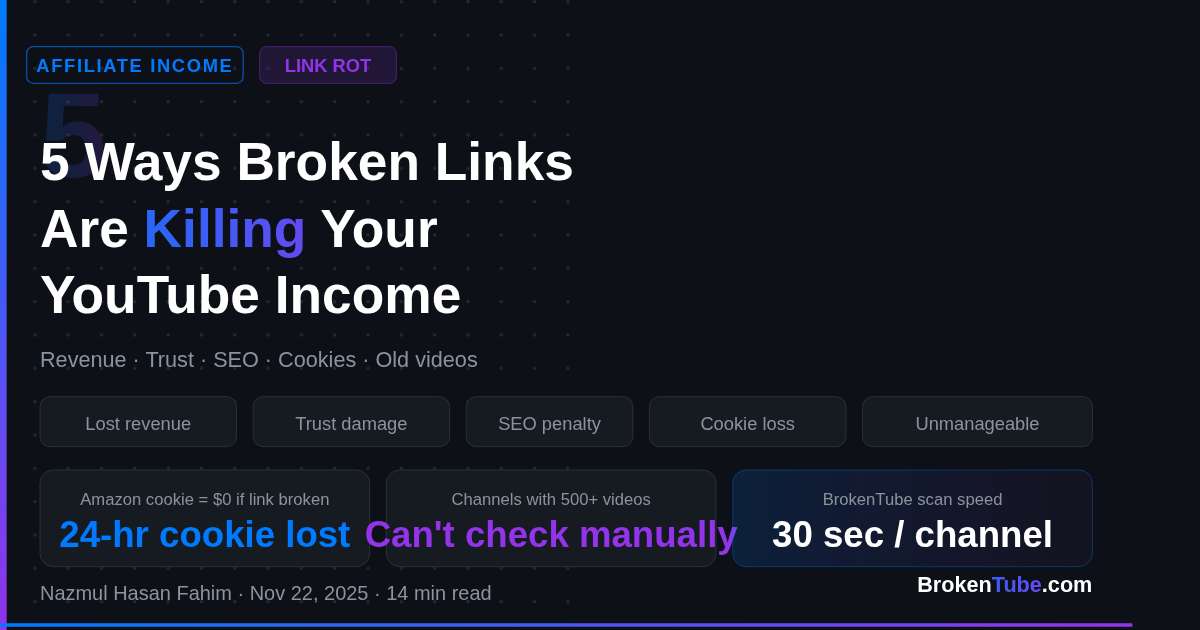
YouTube Affiliate Links
5 Ways Broken Links Are Killing Your YouTube Income (And How to Fix It)
Are dead links draining your affiliate commissions? Learn how "Link Rot" destroys YouTube revenue and discover the fastest way to find and fix them automaticall
Nov 22, 2025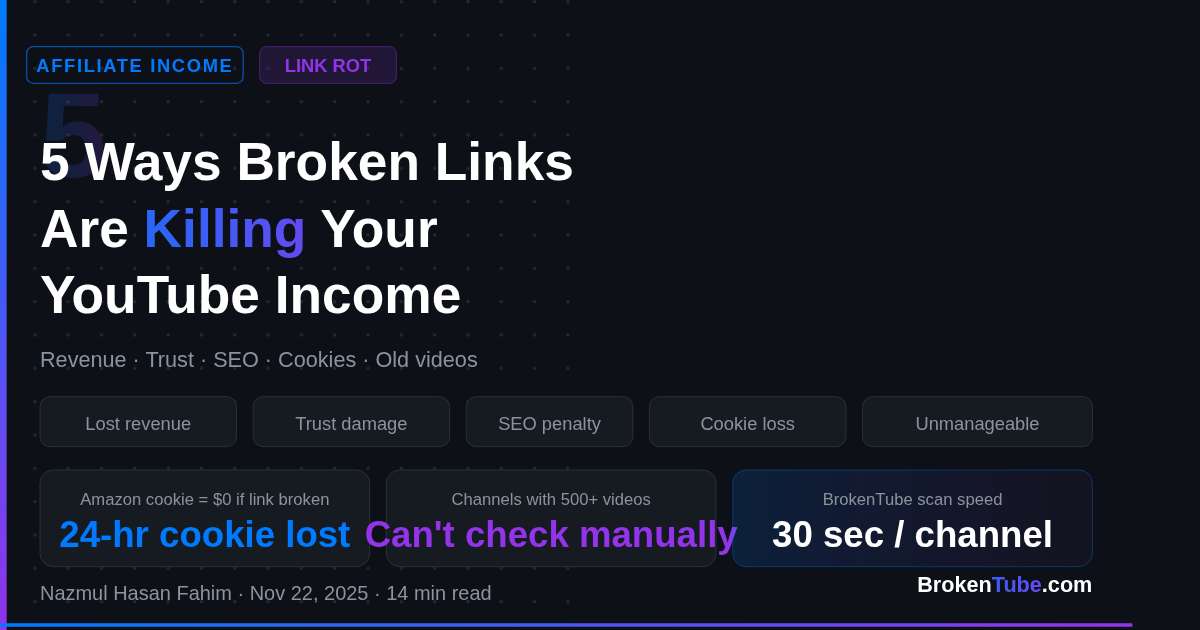
YouTube Affiliate Links
How to Find Broken YouTube Links Automatically (Complete Guide)
Fix broken YouTube links instantly with automated scanning. Learn how to detect deleted or unavailable YouTube videos on your site or channel using BrokenTube.
Nov 28, 2025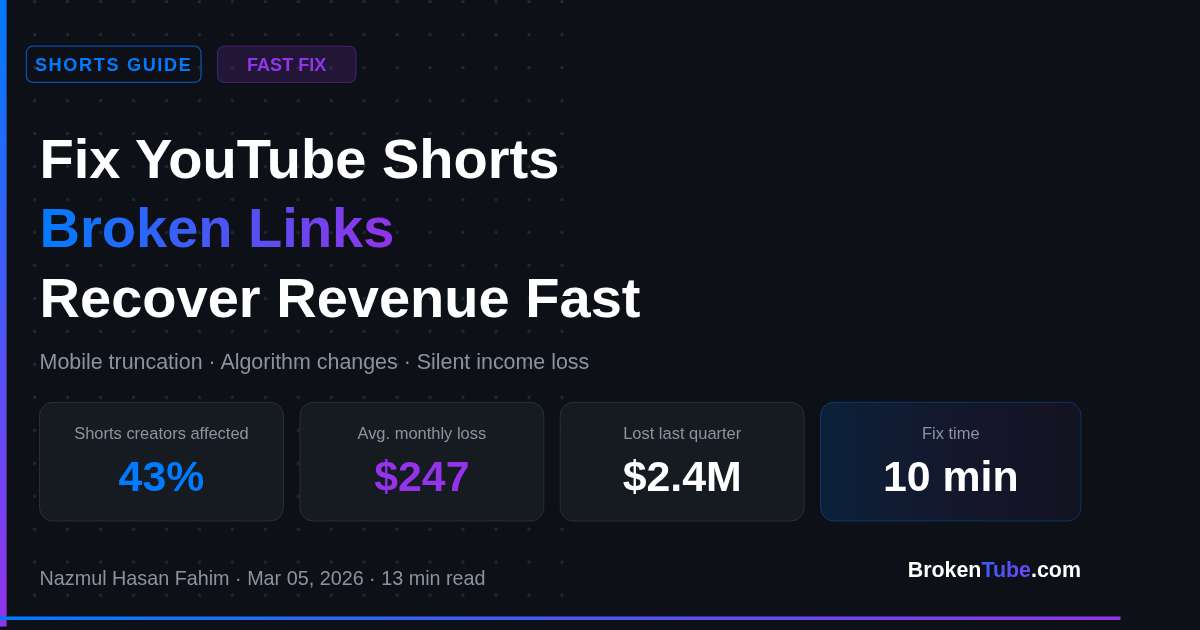
YouTube Affiliate Links
Fix YouTube Shorts Broken Links: Recover Revenue Fast!
Fix broken links in YouTube Shorts fast and recover lost revenue. Step-by-step guide with automated solutions to make your Shorts links clickable again. Start fixing today!
Mar 05, 2026